


Key Takeaways
- 75% of security leaders believe that security automation is important. (Security Magazine)
- Organizations that adopted automation and AI took an average of 184 days to identify a data breach and 63 days to contain it. Organizations that did not took 239 days to identify and 85 days to contain a breach. (IBM)
Introduction
Many attacks start without drawing attention. Nothing looks obviously wrong at first. It could be through a reused password or an exposed service that allows attackers to gain access to their systems. Sometimes, a well-crafted email is all that's needed. By the time security teams notice something is wrong, attackers have already been inside for days or weeks.
This poses a huge challenge for many security teams. They often use multiple tools and conduct manual checks to find signs of intrusion. This creates a growing gap between how attacks begin and when they are detected.
One way organizations address this gap is through the use of automation. It will not only make things faster, but also much more efficient. Things that humans and manual processes usually miss will be detected when organizations automate security. They can increase their chances of reducing risk before damage occurs if they understand how attacks begin and how they can incorporate automation into that early phase.
Why Most Cyber Attacks Go Unnoticed at the Start
Most cyber attacks succeed despite having security tools in place because early signs are overlooked. When the attack begins, activity appears normal. A user logs in, and the server responds to a request. The user accesses a file during business hours. These actions do not seem dangerous at all.
At first, nothing looks unusual. Activity blends in with routine organizational behavior, and any changes are so small that they go unnoticed.
It is very challenging for manual security processes to detect these changes. They can only review alerts once they are triggered, not while the activity is deviating from normal patterns. By the time security teams detect something suspicious, attackers are already deep inside the systems.
Missing early signals is normal for organizations that are scaling their infrastructure. In such cases, suspicious activity blends in with routine activity, causing small changes to go unnoticed.
Many attacks are only noticed after the impact becomes visible. The issue is not a lack of effort, but rather what cannot be seen at first.
Where Cyber Attacks Usually Begin
Most cyber attacks do not begin with advanced techniques. They usually start at familiar entry points that exist in almost every organization’s infrastructure. These areas tend to offer less resistance.
Here are some of the common starting points that lead to cyber attacks:
- Email Access: Phishing emails with malicious links and attachments are one of the easiest ways to gain initial access. A single user interaction is enough to start an intrusion.
- Stolen or reused credentials: Attackers use compromised passwords to log in without triggering obvious alerts. This works even more effectively when credentials are valid and used during normal working hours.
- Exposed remote services: Attackers frequently scan and target public-facing services like VPNs, remote desktop, or management portals when they are unpatched or misconfigured.
- Misconfigured cloud and SaaS settings: Attackers can exploit open storage, excessive permissions, or weak access controls to gain access to sensitive data. This can happen without exploiting a software vulnerability.
- Endpoints with outdated software: Unpatched devices are a common entry point, and they become even more lucrative for attackers when combined with known exploits or automated scanning.
These entry points are often connected. When activity is split across different tools, small signs don’t stand out.
When the early stages are clearer, attention naturally stays on the areas where activity shows up first.
Why Manual Security Cannot Catch Early Attack Signals
With manual review, activity is often looked at only after something stands out. Early on, small changes blend in and pass without much notice. Here are a few common limitations of manual security:
- Alerts appear isolated: Early signals usually look harmless on their own. They rarely trigger action until given some context.
- Detection often comes too late: Reviewing logs and alerts is done after activity has happened, not while it is still in progress.
- Human attention is limited: During routine work, small changes can easily blend in and pass without being noticed.
- Tools do not speak the same language: Analyzing identity data is different from analyzing endpoint activity. The same goes for network traffic. This creates gaps, which in turn create blind spots between systems.
Manual review often catches problems late. By then, the activity has already moved on.
What It Means to Automate Security in Real Environments
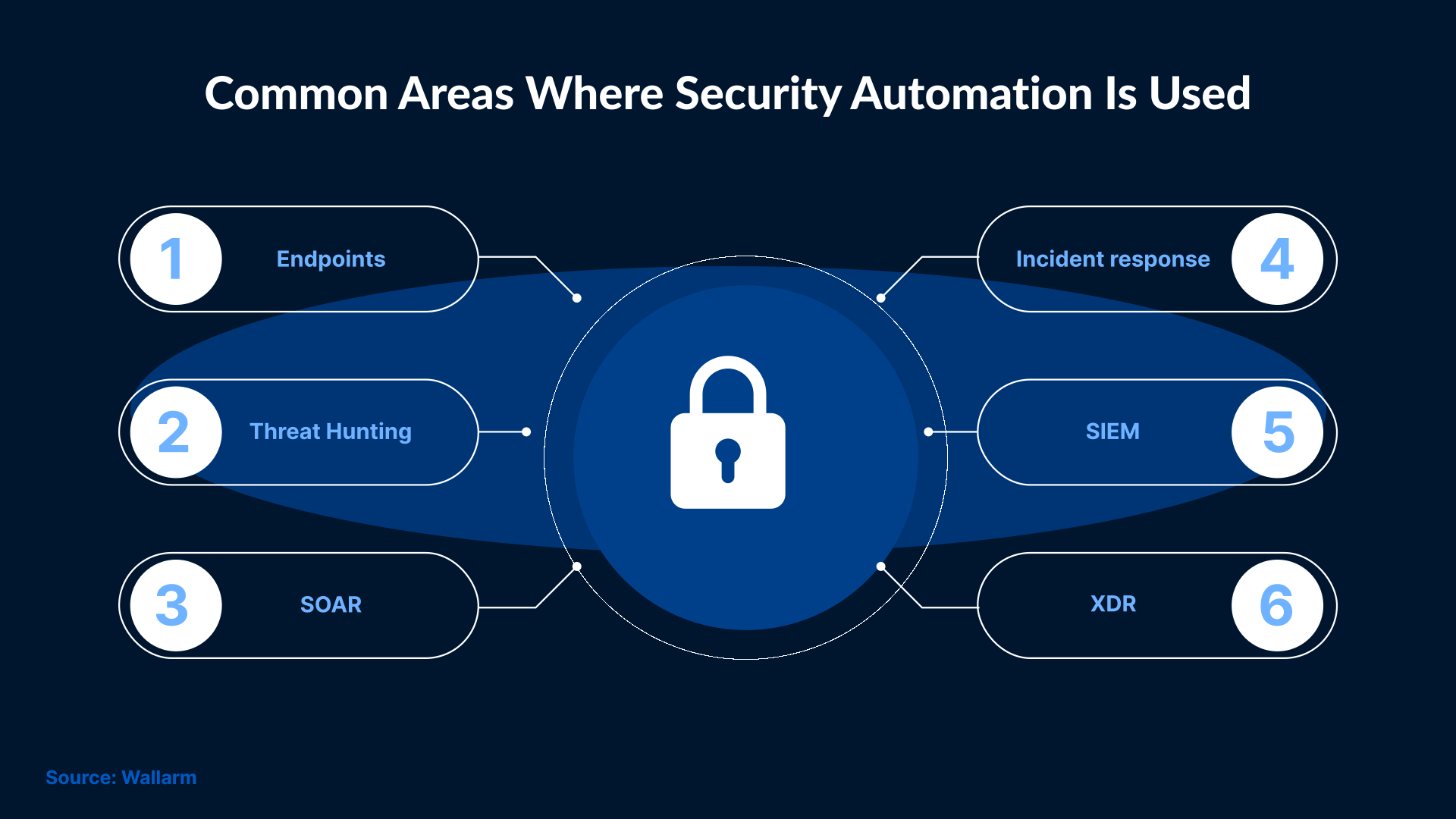
People are still involved. Automation simply removes some of the repetitive effort from the process. It means reducing the gap between what happens in an organization and what gets noticed.
Security automation handles the routine tasks that would otherwise require constant manual attention. Automation surfaces issues as they develop, rather than waiting for someone to review logs or alerts.
Automation also brings consistency because the same checks are run every time, throughout the entire infrastructure, without depending on manual effort. This becomes important when activity is low-level and easy to dismiss.
Early on, automation is mainly about visibility. It helps bring related activity together instead of leaving it spread across different systems.
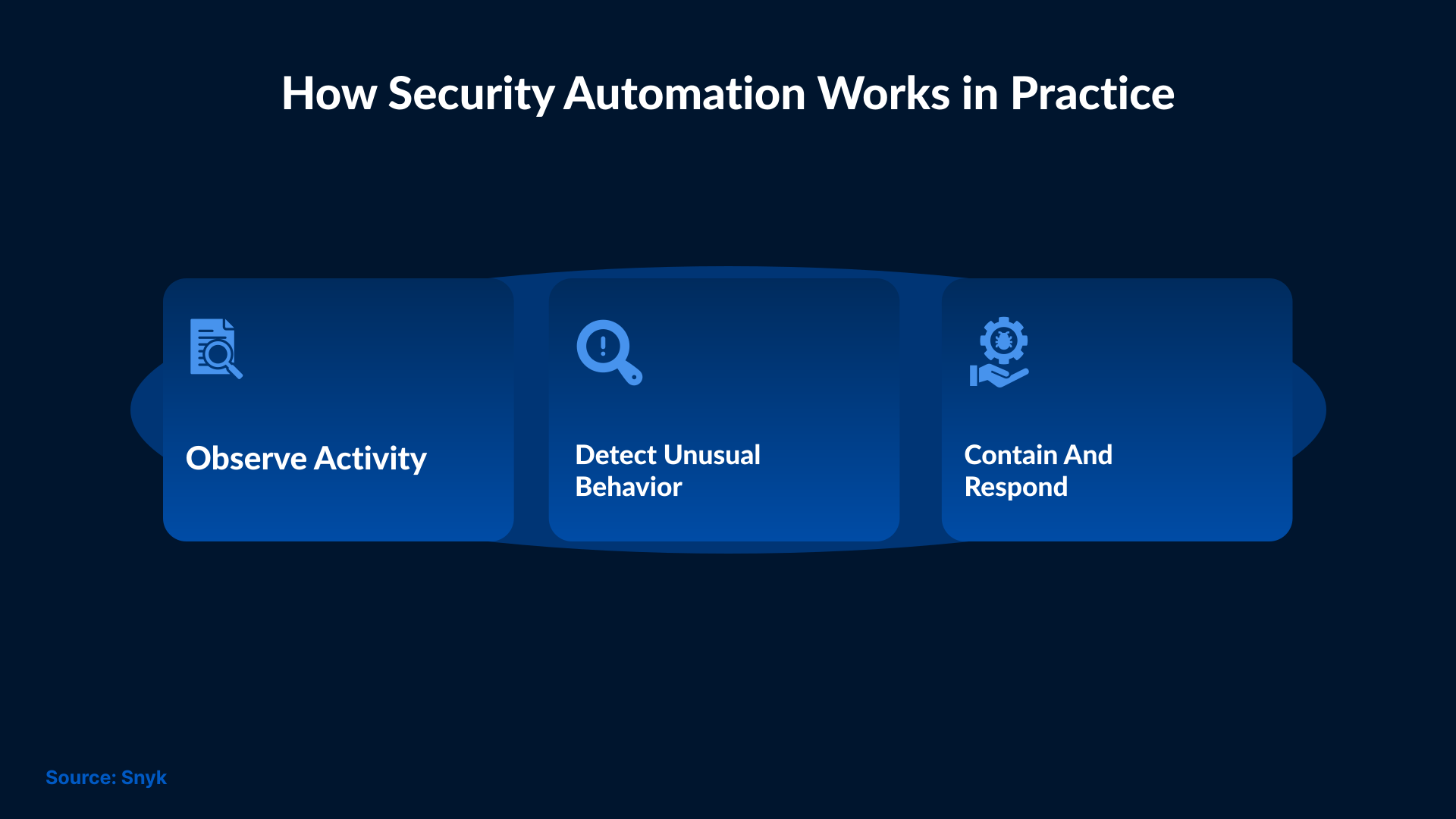
How Security Automation Helps Detect Attacks Earlier
With automation in place, activity is seen as it develops. Isolated alerts matter less when behavior begins to repeat or deviate from what is typically observed. Small changes do not stand out on their own. Over time, they start to look different from normal activity, and that difference becomes easier to notice.Earlier detection does not require more alerts. All it requires is better signal quality and faster recognition, which is where automation makes a huge difference.

How SOC Automation Turns Alerts into Clear Actions
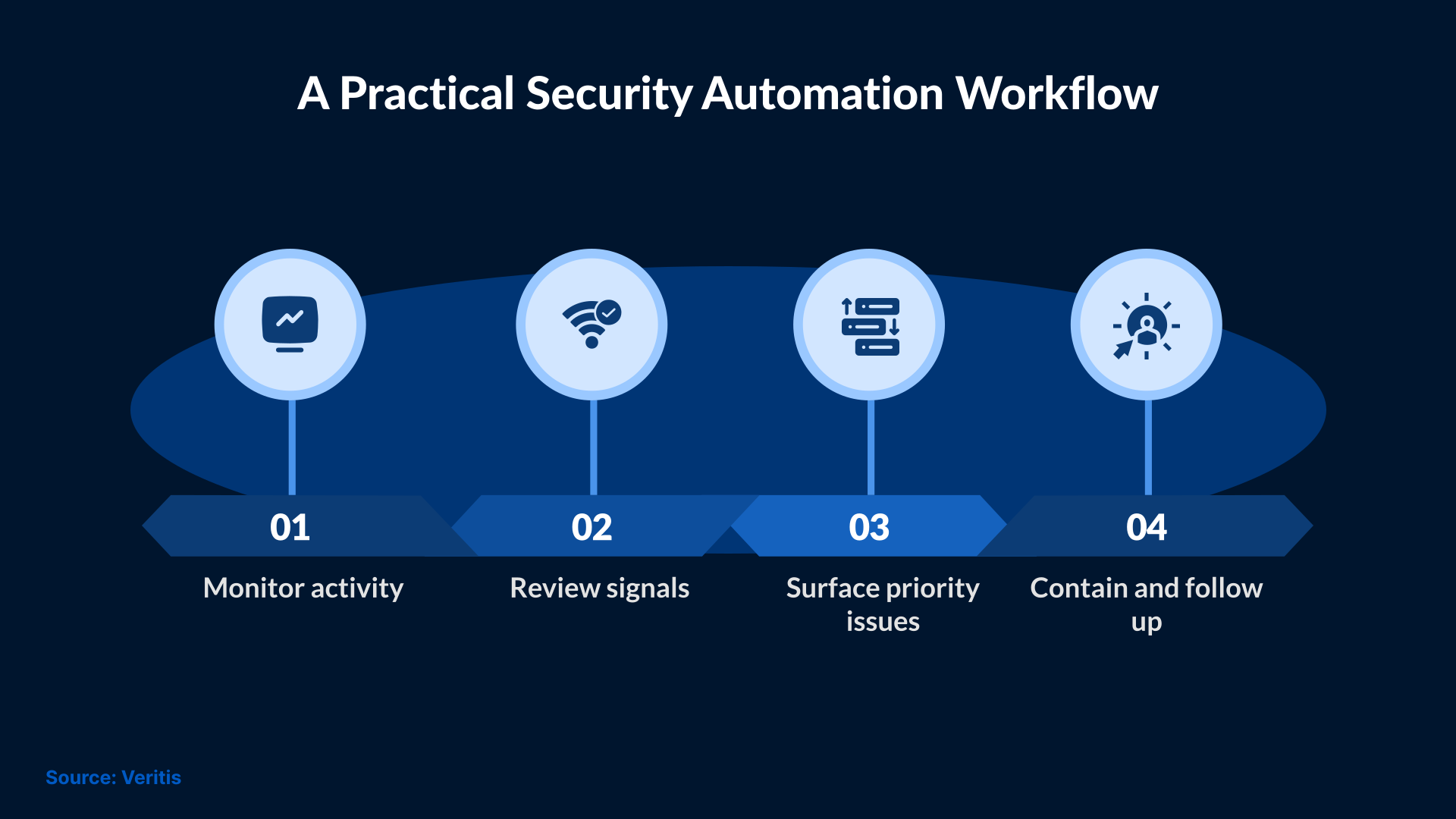
If alerts were the only concern, SOC teams could manage them more easily. The problem comes in deciding what an alert means and what to do next. This is where SOC automation can be helpful, as it adds context before anybody steps in.
When an alert comes in, the surrounding activity is already visible, so teams do not have to jump between different tools to understand what is going on.
Automation also helps set priorities. Automation can group alerts that show early signs of attack behavior. Some alerts are escalated on their own, while routine activity stays out of the way. The focus is diverted from the background noise.
Using Automated Incident Response to Limit Damage
Once a suspicious activity is confirmed, it is important to take prompt action. The goal is not to investigate everything in detail, but to slow things down.
With an automated response, response actions can begin without delay. It can isolate a device or block a connection. These simple steps can reduce the spread of malicious activity.
While automated security controls are important, they cannot replace human decision-making. An automated response can buy teams a good amount of time so that they can assess the situation while movement is still limited.
What Security Teams Should Automate First
Some areas tend to be accessed earlier and are more sensitive to delay. A practical starting point usually includes:
- Login and access activity: Sign-ins start happening in ways that don’t look normal.
- Email activity: Some emails begin to stand out, even though nothing looks broken.
- Device activity: Small changes show up again on the same machines.
- Alerts: Several alerts point to the same issue.
- Early response: Some actions happen right away, before everything is clear.
This keeps attention focused on early activity without changing daily workflows.
How MSPs Use Security Operations Automation at Scale
As MSPs monitor more customer infrastructures, they begin to see the same types of issues repeatedly. Login issues and email-related alerts usually follow familiar patterns. Endpoint changes often follow similar patterns.
After seeing the same activity across different environments, it becomes easier to recognize when activity looks unusual.
As more customers are added, the work stays predictable instead of becoming harder to manage.
Preparing Your Security Program for Automation
Automation works best when the basics are already in place. If security teams are monitoring activity using different tools or if the visibility is incomplete, then automation won’t be able to fix that on its own.
Teams often need to bring related data into fewer places. When identity activity and endpoint behavior are visible in fewer places, then it’s easier to notice patterns. Despite everything being managed by automation, someone still needs to review outcomes and decide the next steps.
Preparation usually means cleaning things up first. When activity is not scattered across too many places, it becomes easier to follow what is happening.
Conclusion
Most attacks start without drawing attention. Small changes blend into normal activity, and by the time they stand out, the situation has already moved on.
Automation changes when activity is noticed. Early signs stand out sooner, instead of showing up after the impact is visible. SafeAeon helps provide early visibility that reduces blind spots and delays. The entire goal is to have proactive detection instead of a reactive one.